 GleanNote · book notes with OCR
Scan a page.Keep the idea.Remember the book.
Photograph a page and keep the line that matters. GleanNote brings it back before you forget it.
Free to start. Android and iOS.
Tap a line on the page.
Managers rarely become rich.it’s best to abandon the role just as soon as you can afford to hire appropriate personnel.the world is full of aspiring lieutenants.
Works with what you read
Paper books, Kindle, Readwise, Notion, Obsidian, Goodreads, Medium and Instapaper.




Capture a page
Snap the page, pick the lines, and they land in the right book.
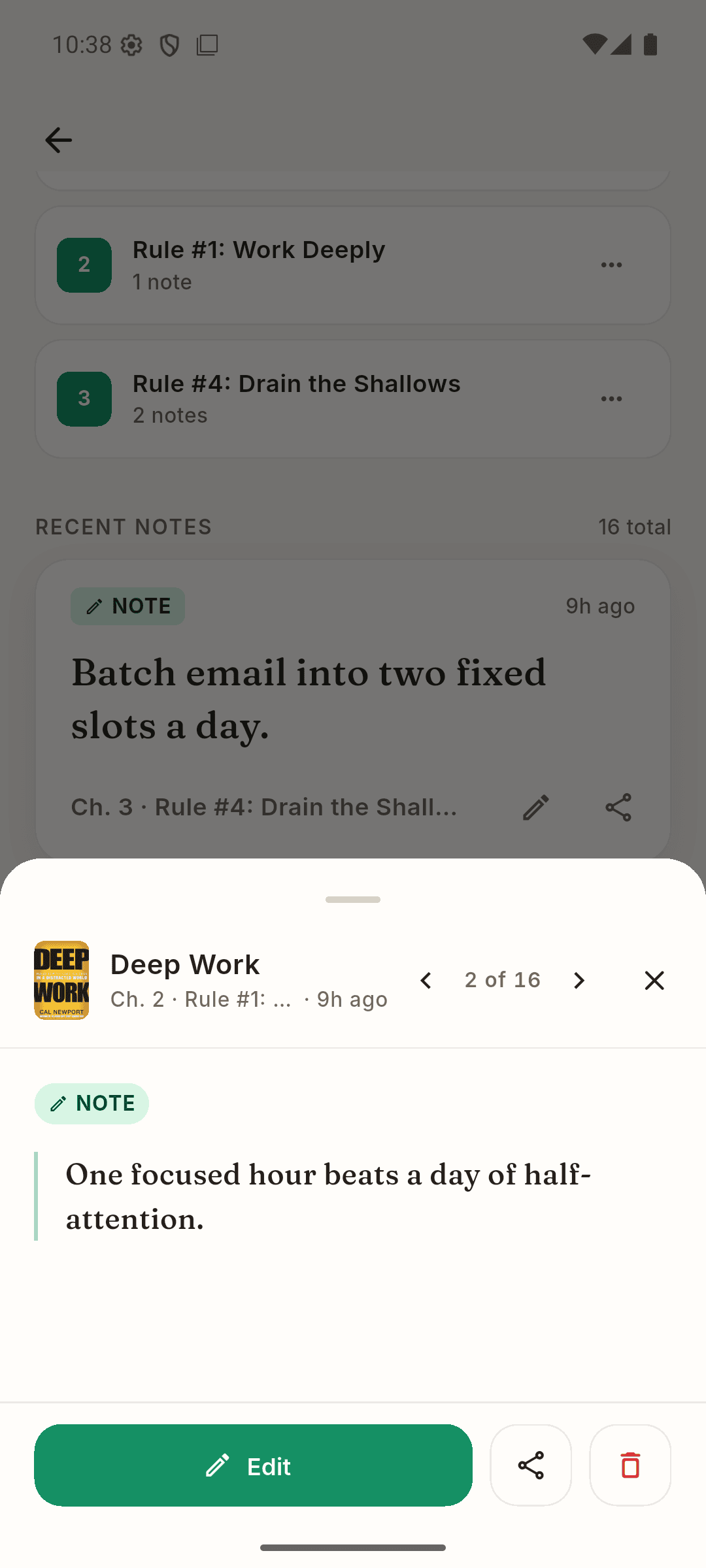
Remember it
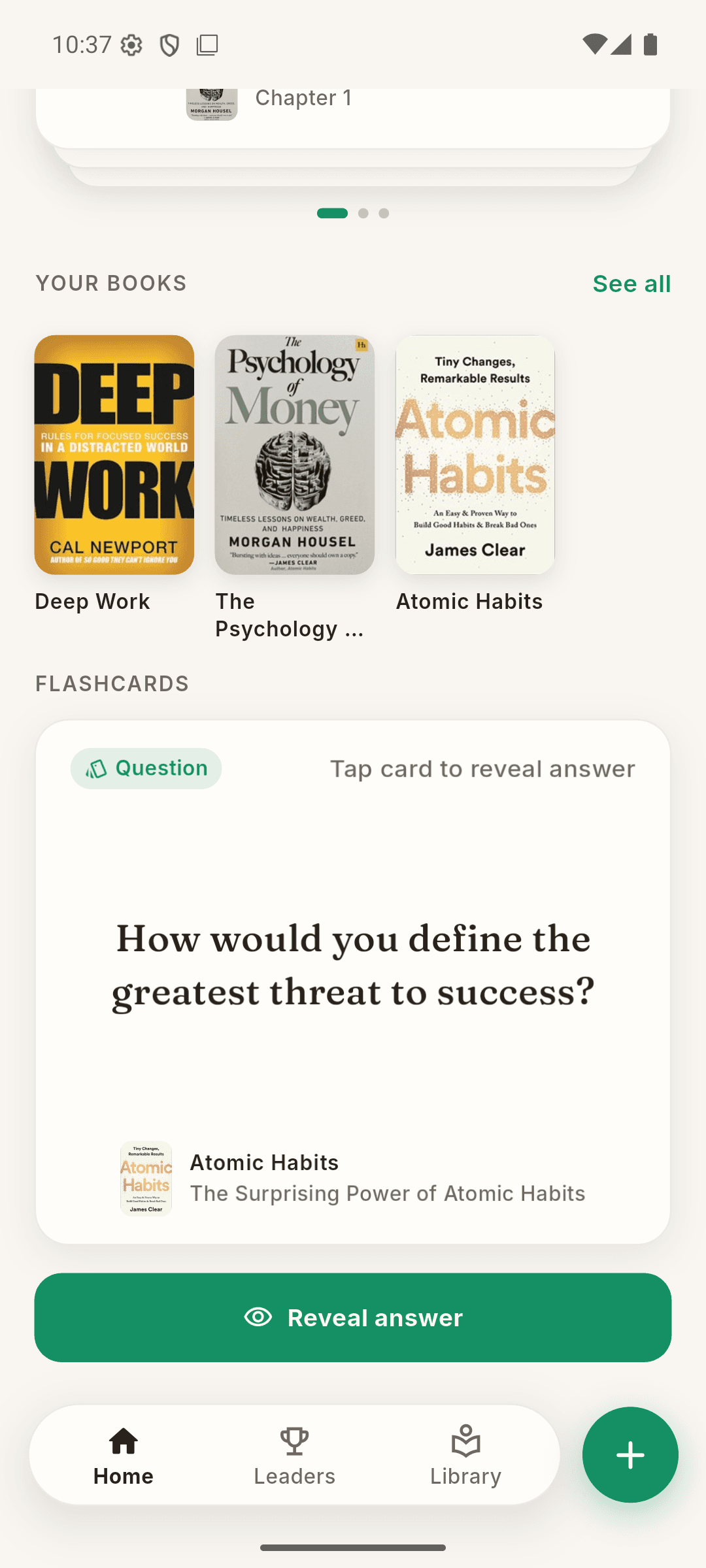
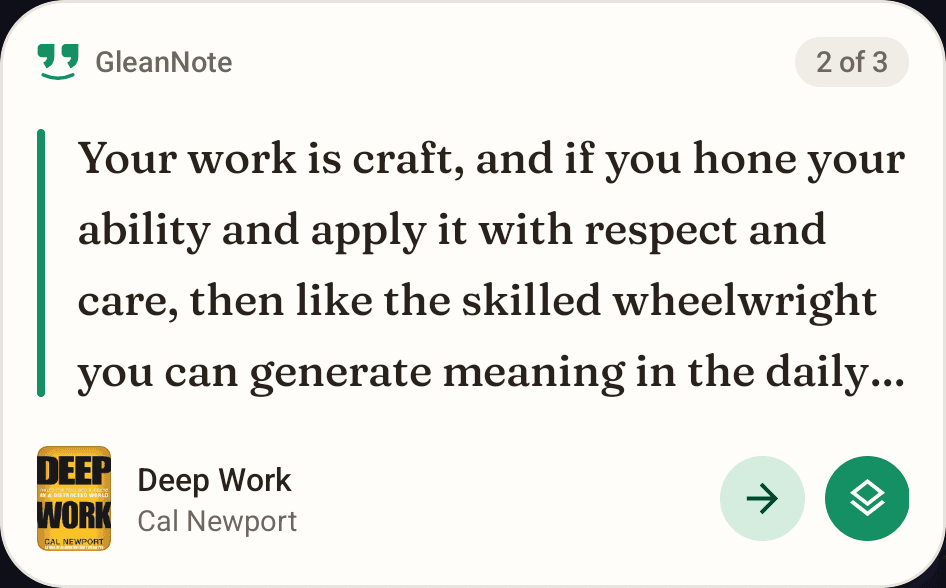
The line you kept comes back as a flashcard and on your home screen.
Managers rarely become rich.it’s best to abandon the role just as soon as you can afford to hire appropriate personnel.the world is full of aspiring lieutenants.
Start free, upgrade later
Upgrade inside the app. Prices are shown in Google Play and the App Store.
Free
Try the whole loop.
- A starter shelf
- Page capture with OCR
- Daily Digest of your notes
- Kindle import
- A few AI questions
Premium
For a reading life.
- Unlimited books
- Capture many pages at once
- Talk to your Book
- Flashcards from your notes
- Cloud backup
AI Max
Ask across every book.
- Everything in Premium
- Ask your whole library
- Unlimited* AI questions
- Export to Notion & Obsidian
*Fair use applies. See Terms.
Questions readers ask
How do I turn a photo of a book page into notes?
Tap Add note, choose Capture and photograph the page. Select the lines you want, and GleanNote saves them as a note.
Digitize highlights from paper booksDoes GleanNote work offline?
Yes. Your library, notes and page capture work without a connection. AI answers and cloud backup need the internet.
Can I import Kindle highlights?
Yes, on every plan. Share a notebook export from the Kindle app, or import My Clippings.txt from a Kindle e-reader.
Organize Kindle highlightsCan I export to Notion or Obsidian?
Yes, on AI Max. GleanNote exports your library as Markdown files, one per book.
Is there a free plan?
Yes. GleanNote is free with a starter shelf and a few AI questions. Premium and AI Max are in-app purchases.
What is Talk to your Book?
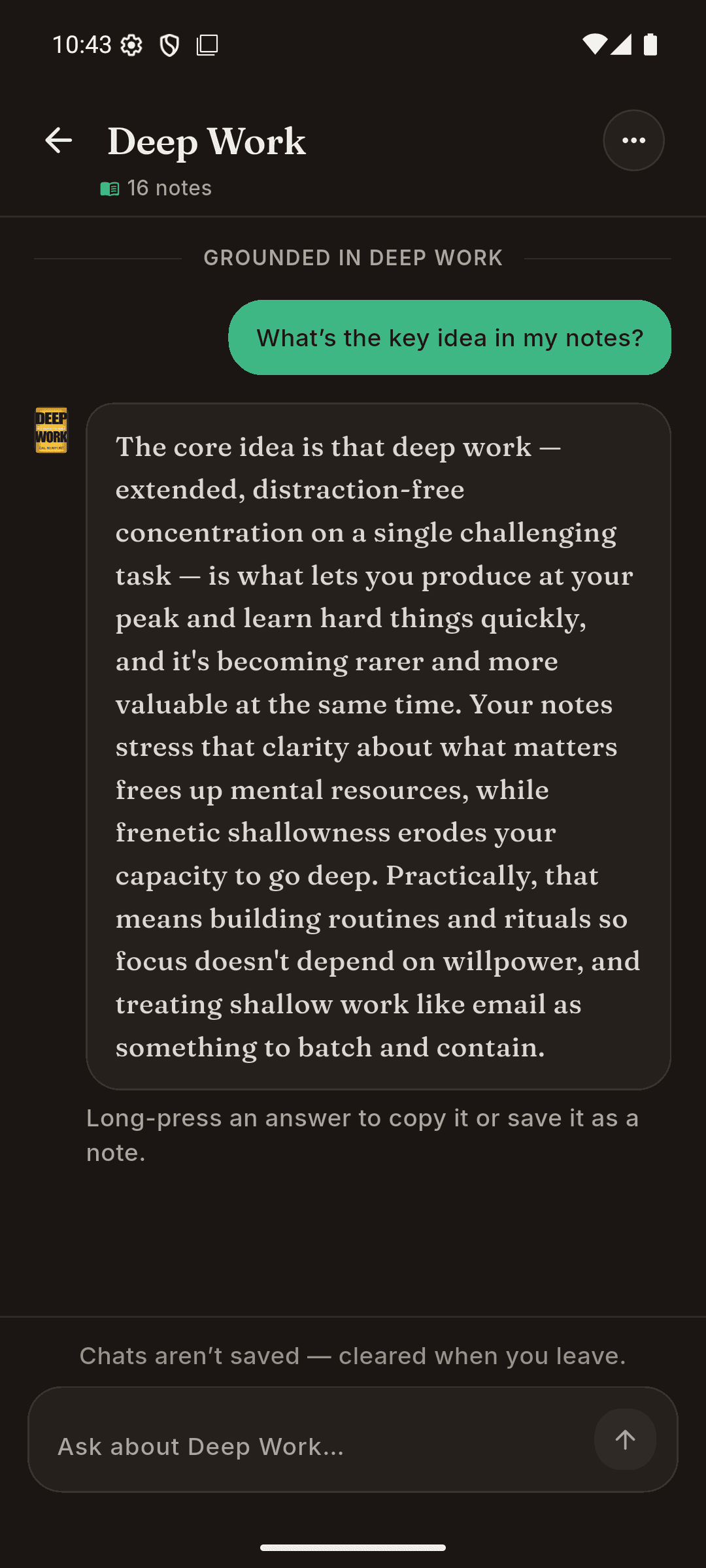
A chat with one book that answers from the notes you saved. The answers stay grounded in your own reading.
How grounded AI answers workGuides for keeping what you read
All guides- 8 min read
Best Readwise alternatives in 2026 (for book highlights and notes)
An honest guide to Readwise alternatives for book highlights: Kindle Notebook, Matter, Anki, RemNote, reading trackers, DIY vaults and paper-first apps.
- 7 min read
GleanNote vs Readwise: which is better for remembering what you read?
GleanNote vs Readwise, compared fairly: capture, review, AI, offline use and pricing models, plus a plain guide to which one fits the way you read.
- 7 min read
Best apps for taking notes from physical books (2026)
Paper books are the gap in most highlight tools. Compare apps for taking notes from physical books, what to look for, and which one fits how you read.
Keep the next page you read.
Free to start. Android and iOS.